
Product views
Overview
AVerShare is an app created to enhance AVer CB-310 Interactive Control Boxes. Available for popular platforms such as iOS, Mac®, Android™, Windows®, and Chrome™, AVerShare wirelessly mirrors device screens so teachers can share images, videos, or web pages to displays in the blink of an eye. It also allows users to control their computers on the CB-310, which means no more going back and forth from the desk to the front of the classroom. There are no complicated steps to slow things down, either. One tap initiates smooth, steady screen sharing for kicking ideas around!
Faster, Steadier Screen Mirroring
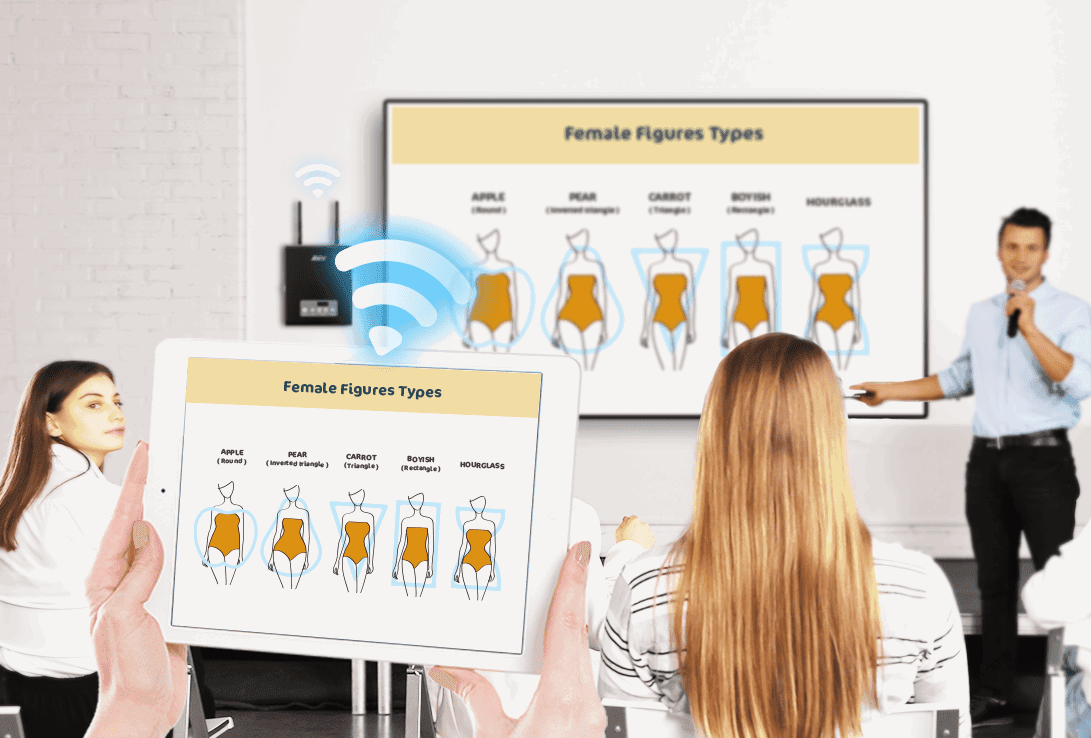
Even those happily using the CB-310’s embedded ScreenShare app might still be wondering if there’s a solution for projecting screens without the interruptions caused by dynamic networks. AVer’s latest wireless screen-sharing technology, AVerShare, is the answer. It easily completes wireless environments to enable faster, steadier screen-sharing connections.
Invincible Cross-Platform Screen-sharing
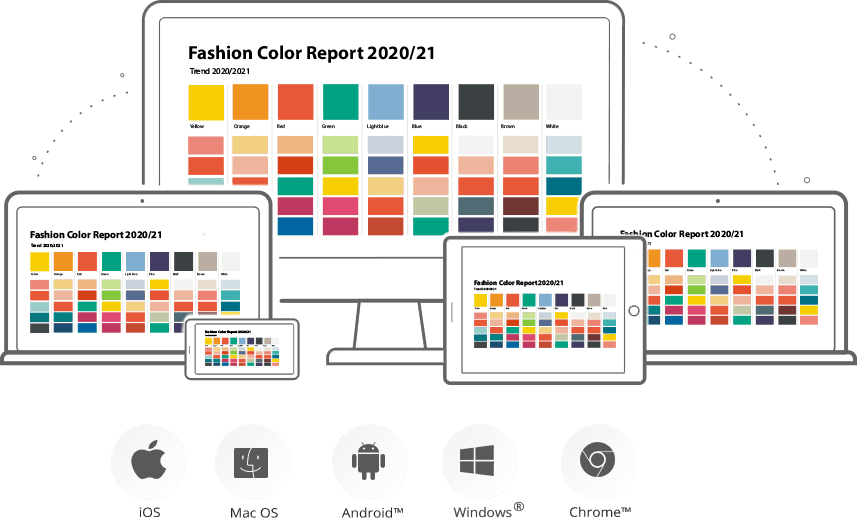
Compatibility with iOS, Mac®, Android™, Windows®, and Chrome™ operating systems is a start; fluid wireless mirroring is a must. Quality screen sharing is defined by durable performance, and AVerShare is as steady as they come.
Four-Way Split-Screen Sharing
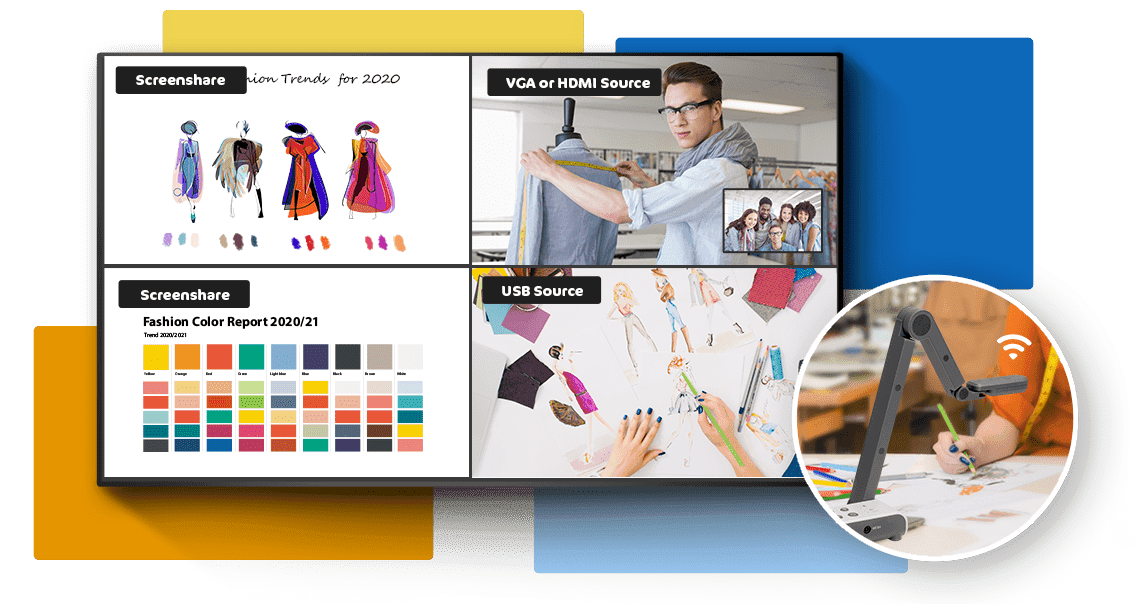
This feature is inherited from the ScreenShare App. Teachers can use AVerShare to share ideas in up to four split screens. This powerful function is perfect for comparing artwork or proposals, group competitions, and so much more.

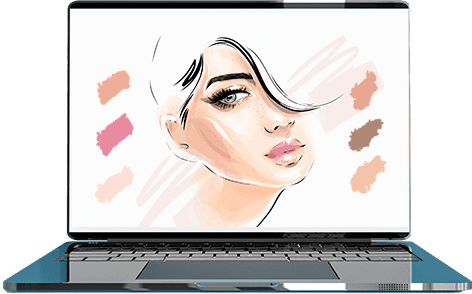
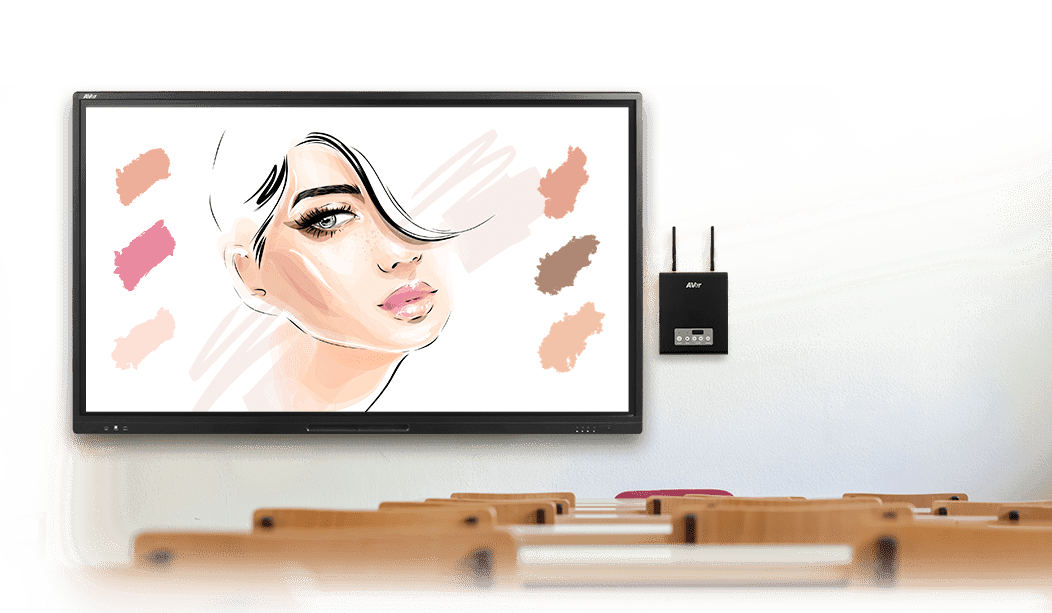
Back Control Computers
Presenters often waste valuable time walking back and forth from the stage to the computer desk just to left-click so they can continue teaching. AVerShare users can save their energy by easily back controlling computers connected to the CB-310. All that’s required to deliver delightful lessons is a thumb or a mouse.
* Back control is only available for Windows® and Mac® operating systems.
Specifications
Supported Devices
| Supported Devices | Windows® PC/Laptop (Windows 7, 8, 10) Mac® PC/Laptop (macOS 10.14 or Later) iPhone® & iPad® (iOS v12 or Later) Android™ Tablet (Android™ 5.0 or Later) Chromebook™ (with Google Play™ Store) |
|---|---|
| System Requirements for Windows® PC/Laptop | Intel® Core™ i3 or Higher 4 GB RAM or Higher 150 MB Free Disk Space for Installation |
| System Requirements for Mac® | Intel® Core™ i5 or Higher 8 GB RAM or Higher 150 MB Free Disk Space for Installation |
More from this range
View the range →
CaptureShare
CaptureShare is a powerful free application that helps teachers to achieve a richer collaborative classroom video conferencing experience.

Interested in this product?
Request a quote: our team will confirm availability, compatibility and a deployment plan.