

Room Solutions for Microsoft Teams Rooms on Windows
Make any room an intelligent hybrid working space
Room Solutions for Microsoft Teams Rooms on Windows
Create consistent hybrid meetings with AVer solutions. The Microsoft Teams Rooms platform includes various apps which greatly improve the productivity of your whole team. The VB150 and VB342 Pro Kits are intelligently designed for small/huddle rooms and the VC520 Pro3, CAM570, and TR315 Kits for mid-to-large rooms. Advanced camera functions such as SmartFrame, audio fence, and beamforming technology simply deliver quality audio/video performance. The secondary compact camera significantly enhances whiteboard and content sharing quality. Effortlessly bring real-time collaboration into any space.

Microsoft Teams Rooms

One-Touch

Audio Fence

Beamforming

Expansion Speakerphone

SmartFrame
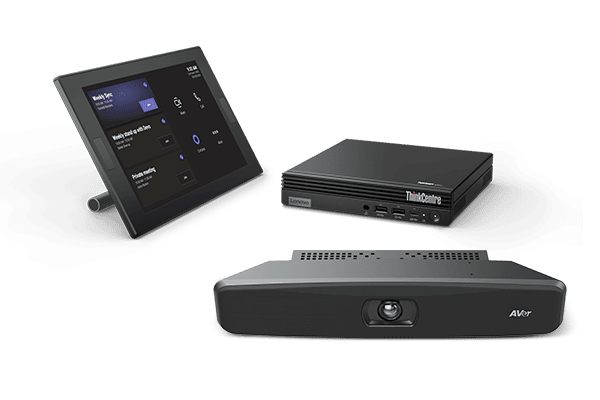
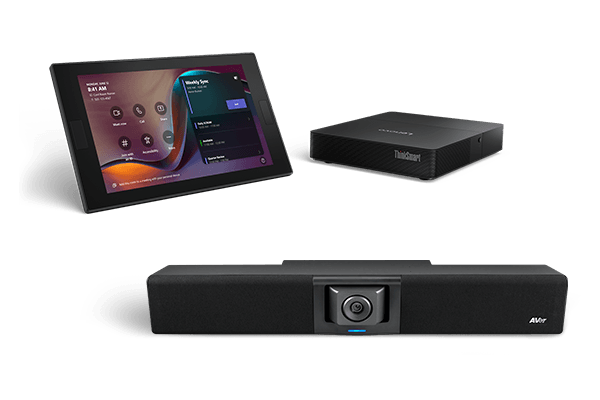
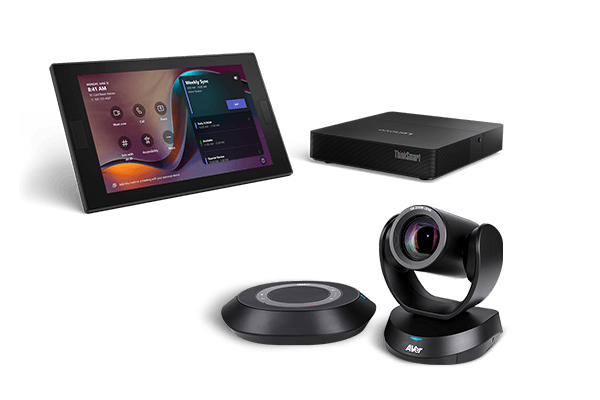
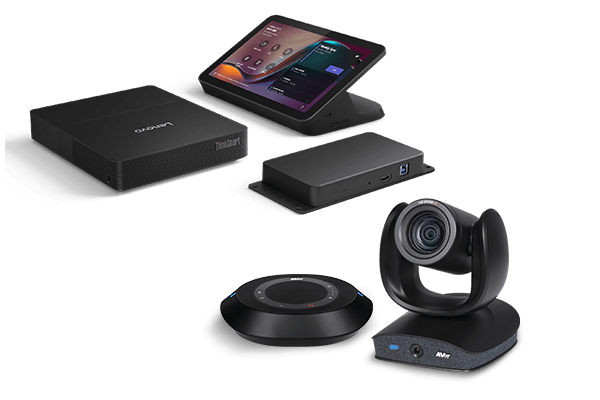
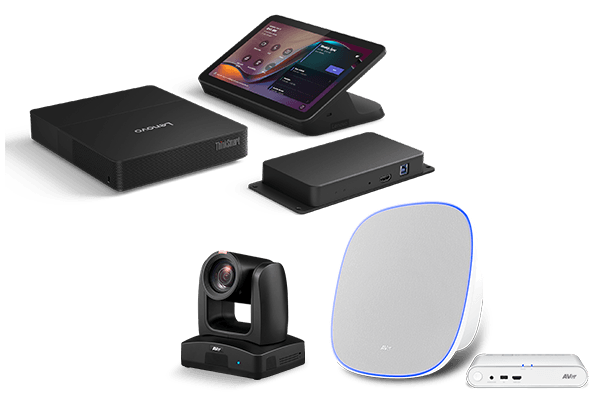
One-touch professional meetings with Microsoft Teams Rooms
Seamlessly connect and collaborate with your team. Microsoft 365 provides wide-ranging yet uniform apps that quickly enhance productivity and flexibility to get work done efficiently. Experience fully integrated workflows and real-time collaboration with Microsoft Teams Rooms.
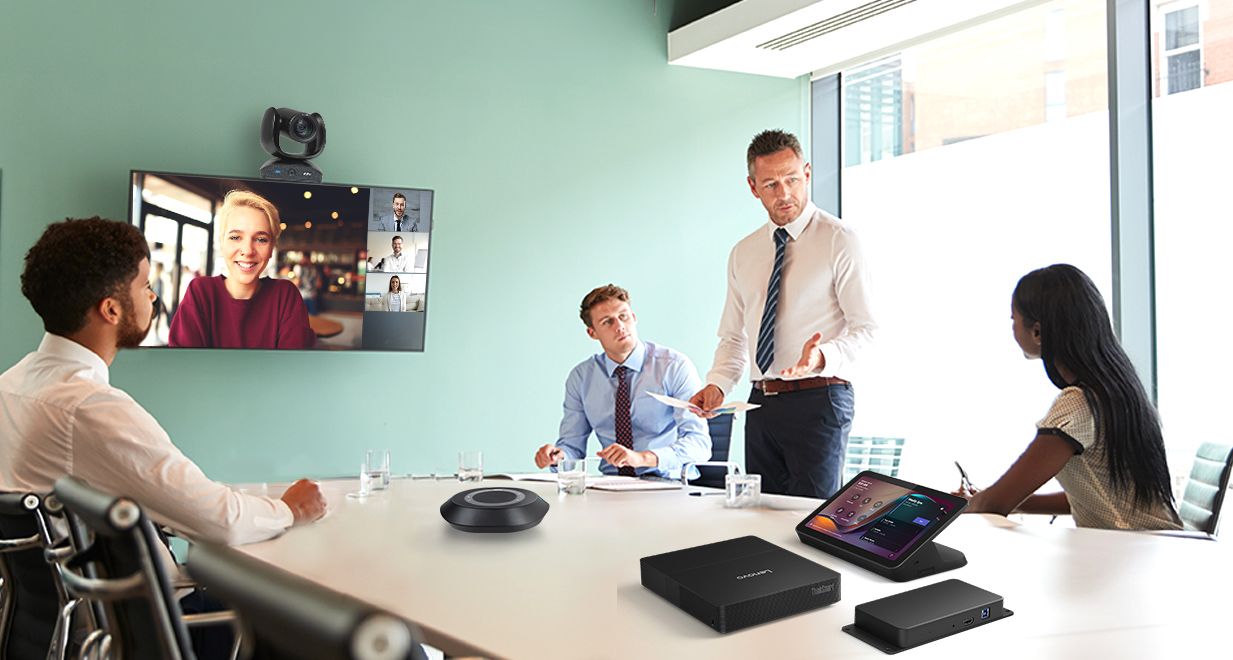
SmartFrame provides safe and smooth meetings
Fully automatic camera control. AVer advanced SmartFrame functionality follows and frames participants, even with masks. Easily make hybrid collaboration efficient and smooth with SmartFrame.

Audio Fence and Beamforming technology upgrade audio performance
Improved Audio fence completely blocks unwanted noises outside the viewing area. Beamforming technology precisely picks up sounds and delivers exceptional audio quality to every corner of the room. Get rid of disturbance at work and enjoy an uninterrupted and attentive meeting.

Versatile speakerphone configuration fits into any meeting space
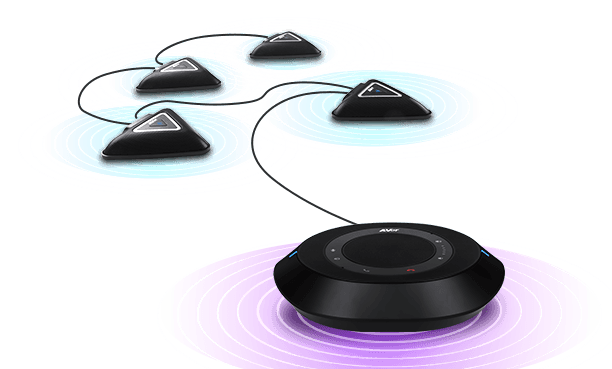
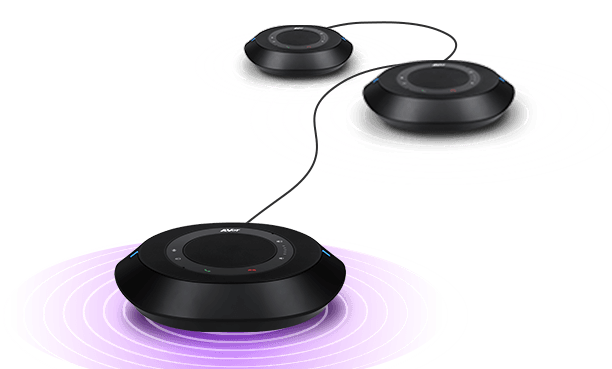
VC520 Pro3 speakerphone supports either up to 2 expansion speakerphones or up to 4 expansion full duplex microphones. Save space on your desk and in your meeting room by mounting speakerphones to the ceiling. Experience balanced and quality audio with flexible and versatile speakerphone configurations.
- Note:
-
- Expansion speakerphone and microphones are not included in the package.
- Please refer to the expansion speakerphone/microphone configuration before purchasing these devices.
One Cable connection to simplify the setup process
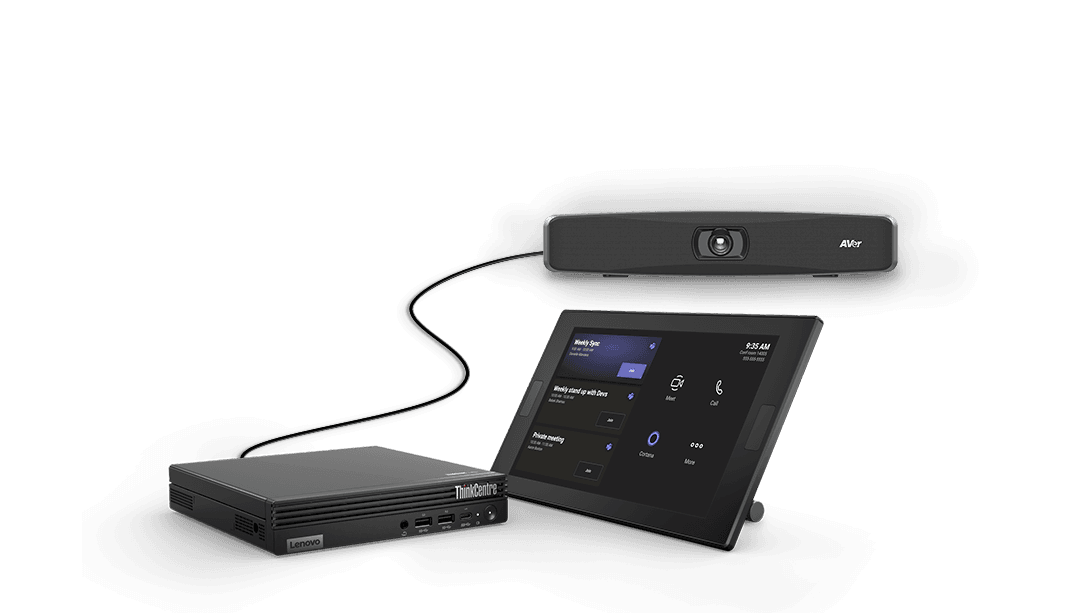
4K video bar VB150 simply requires a single USB cable to activate and install. Keep your desk space organized and start meetings in seconds with the VB150.
Resources
Download the Room Solutions for Microsoft Teams Rooms on Windows Datasheet below.
Let’s discuss your project
Describe your requirements. Our team can help you select and plan your AVer solution.